

★★★★★
“My children really enjoyed this book. I can totally see that the author was combining different things he and his children love into one really fun adventure! Unicorns, a talking spaceship, evil frogs, and a fairy who heals! Very whimsical!
It is allegorical and I’m a little concerned about “The Elder” being female, but this was a small character. The allegory in general does not take over the story, but it does help contribute to Biblical lessons learned in the book!
Celina learns that she lands herself – and her friends! – in a heap of trouble when she doesn’t follow the rules! And her problems are solved when she realizes this and asks forgiveness.
A good tale!”
— Mother Hen, Goodreads
This is the hardcover format. When buying directly from this site, you are helping small, independent authors. Thank you for your support!
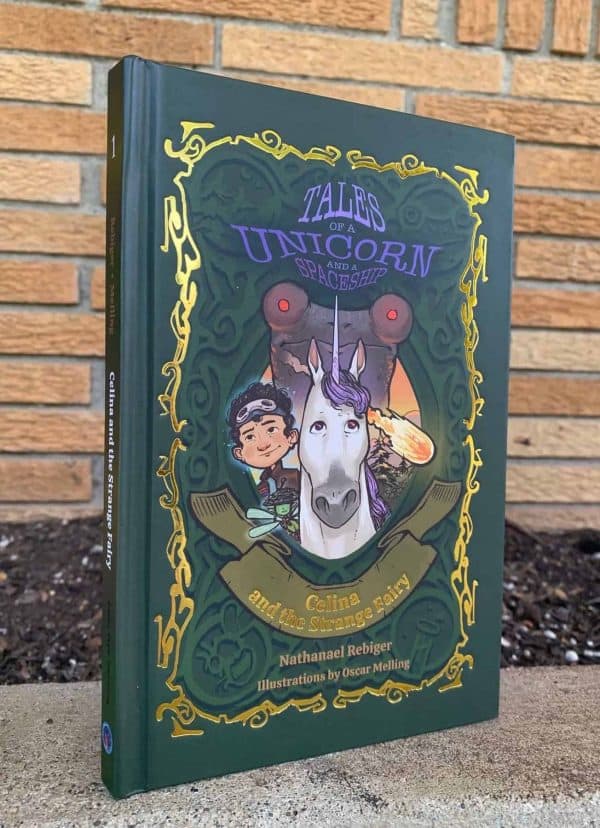
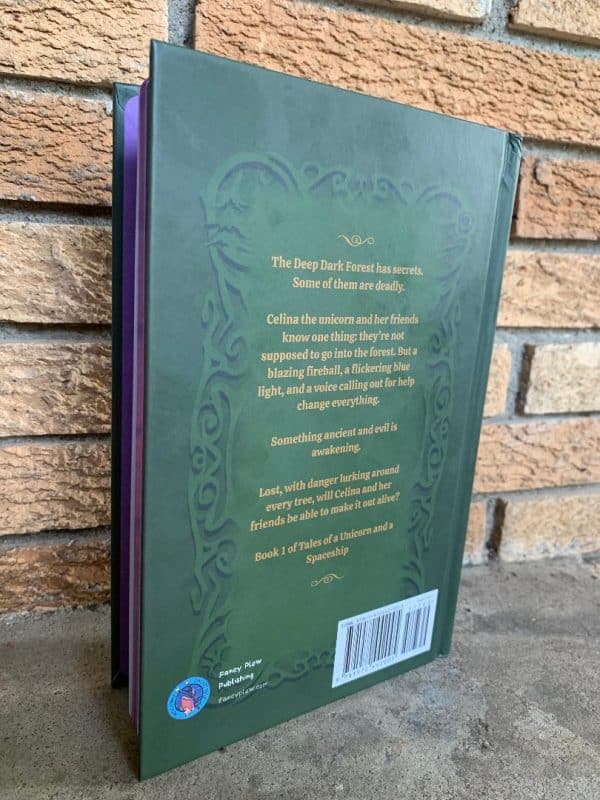
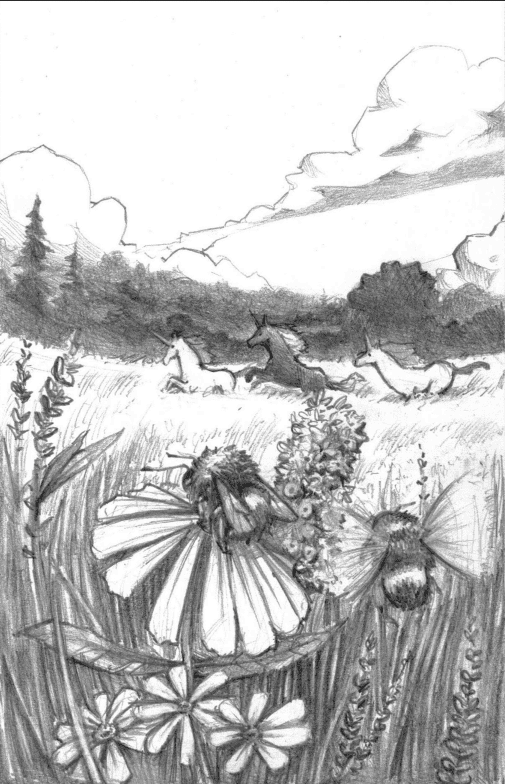
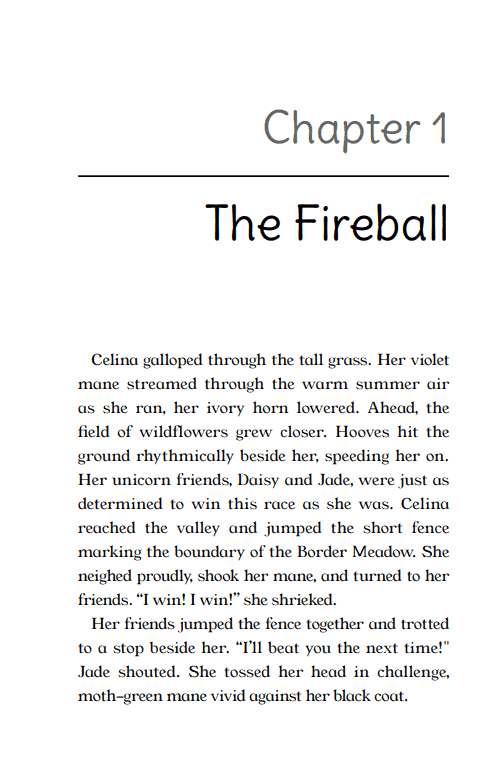
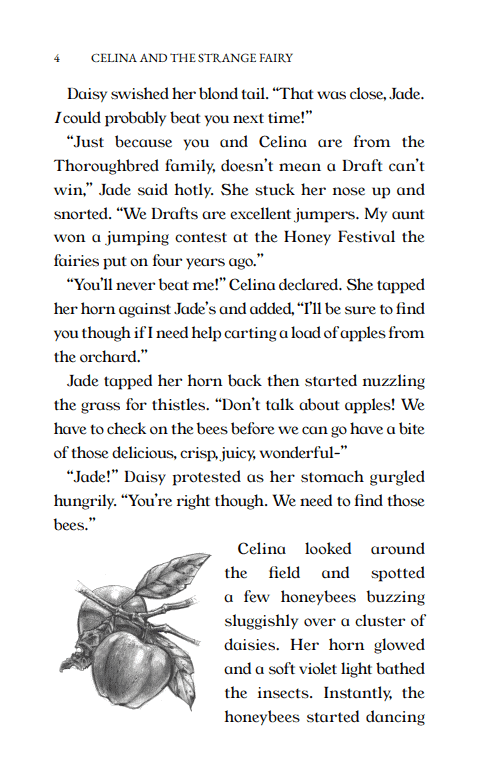
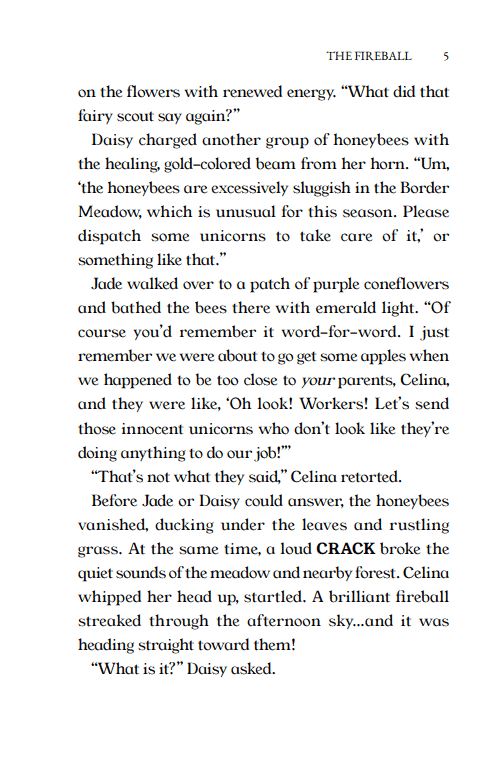
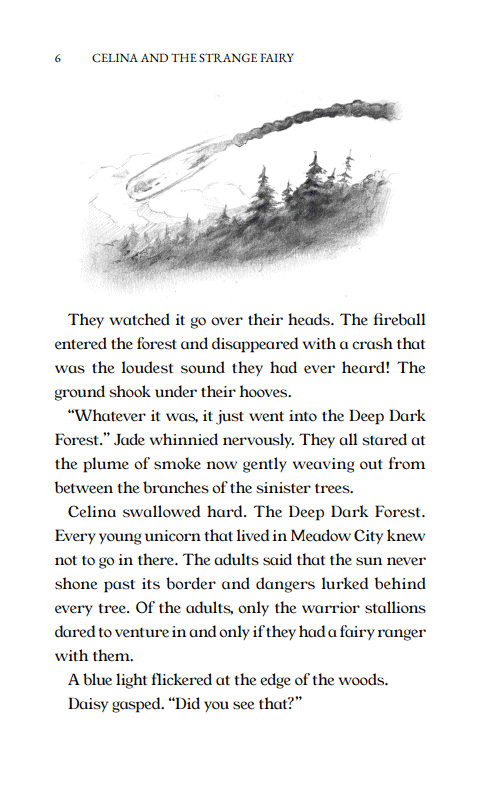
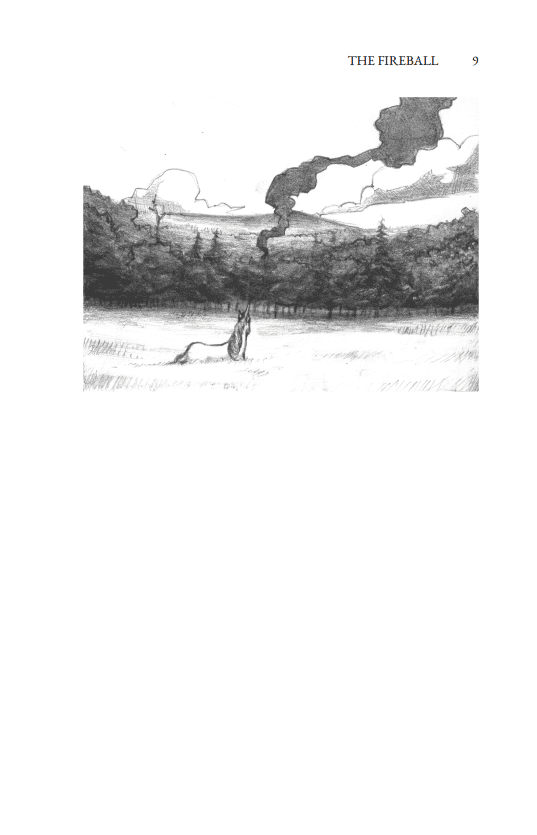
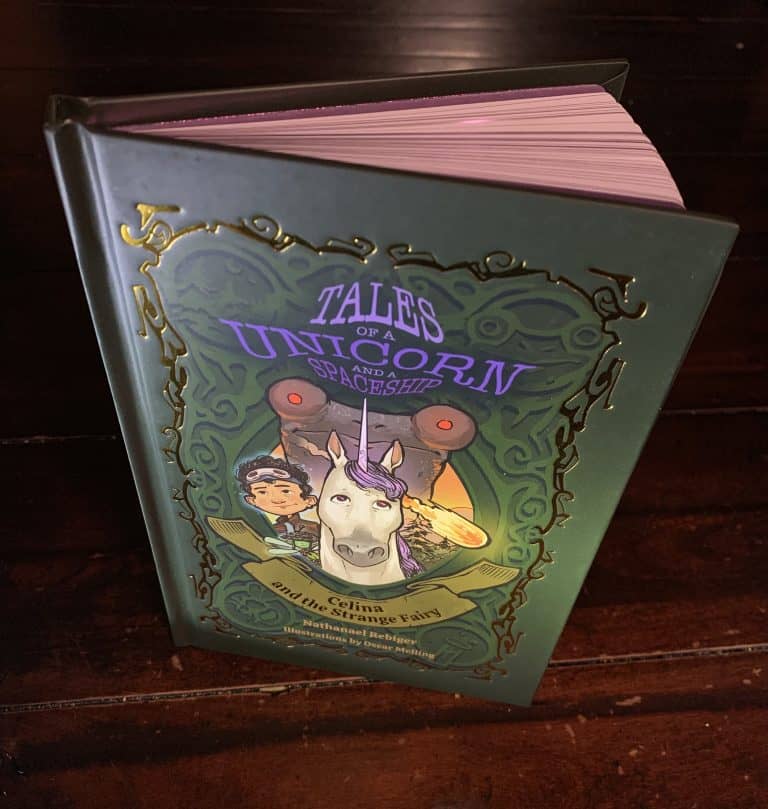
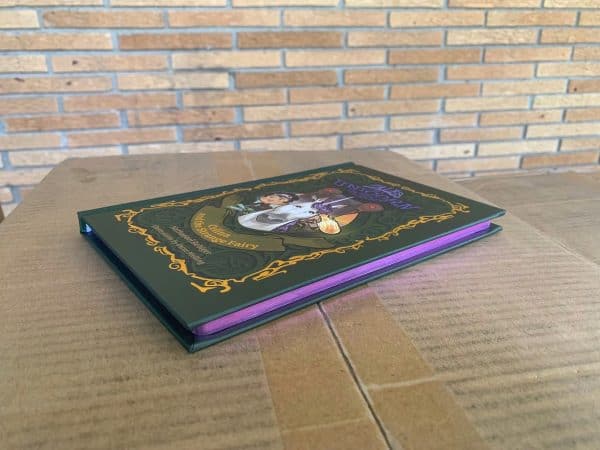
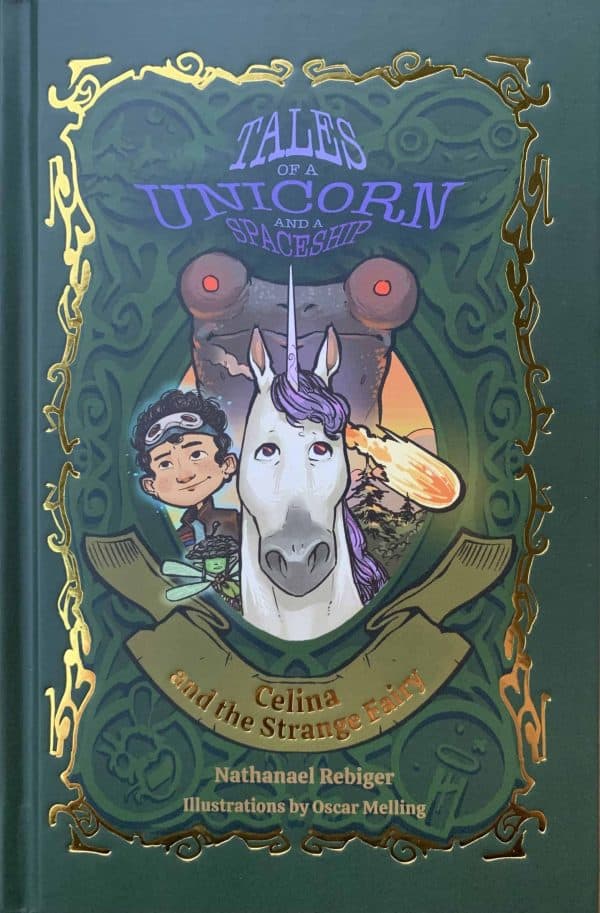
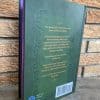
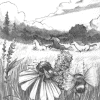
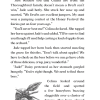
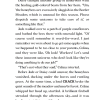
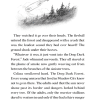
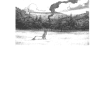
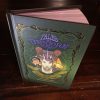
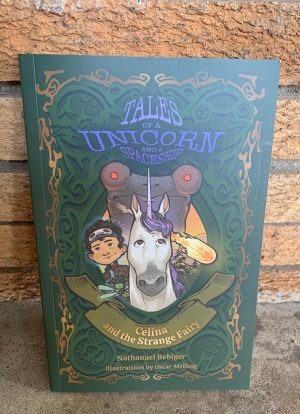
The hardcover front face shines with gold foil for the title and border, and the page edges are metallic purple. Not only is this a fun read, but this hardcover edition looks beautiful in every way, from cover, to pages, to the incredible illustrations inside.
(Note: Interior content is the same as the paperback, except for the purple end sheets and sprayed purple edges.)
If you’ve read the book, we would love an honest review, either here on our site, or on Goodreads, or both!
Book 1 of Tales of a Unicorn and a Spaceship.
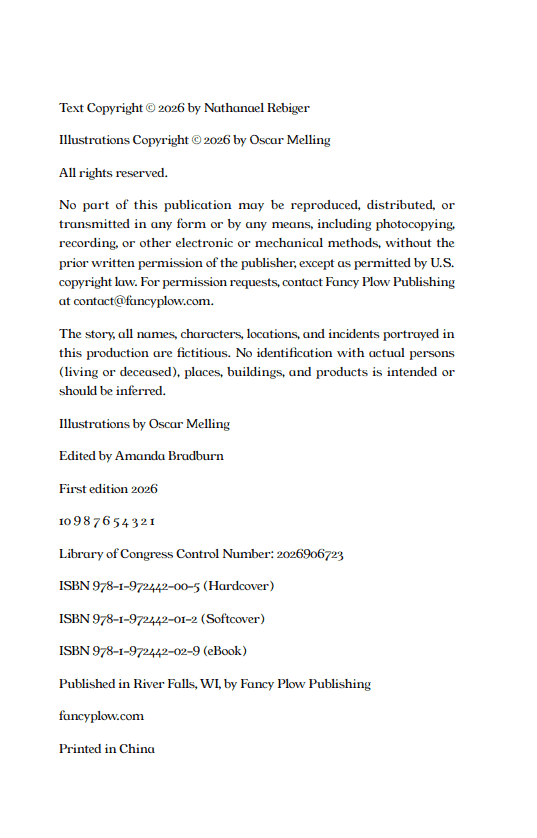
ISBN: 978-1-972442-00-5
Published on: July 01, 2026
Recommended for ages 9-12, grades 4-7
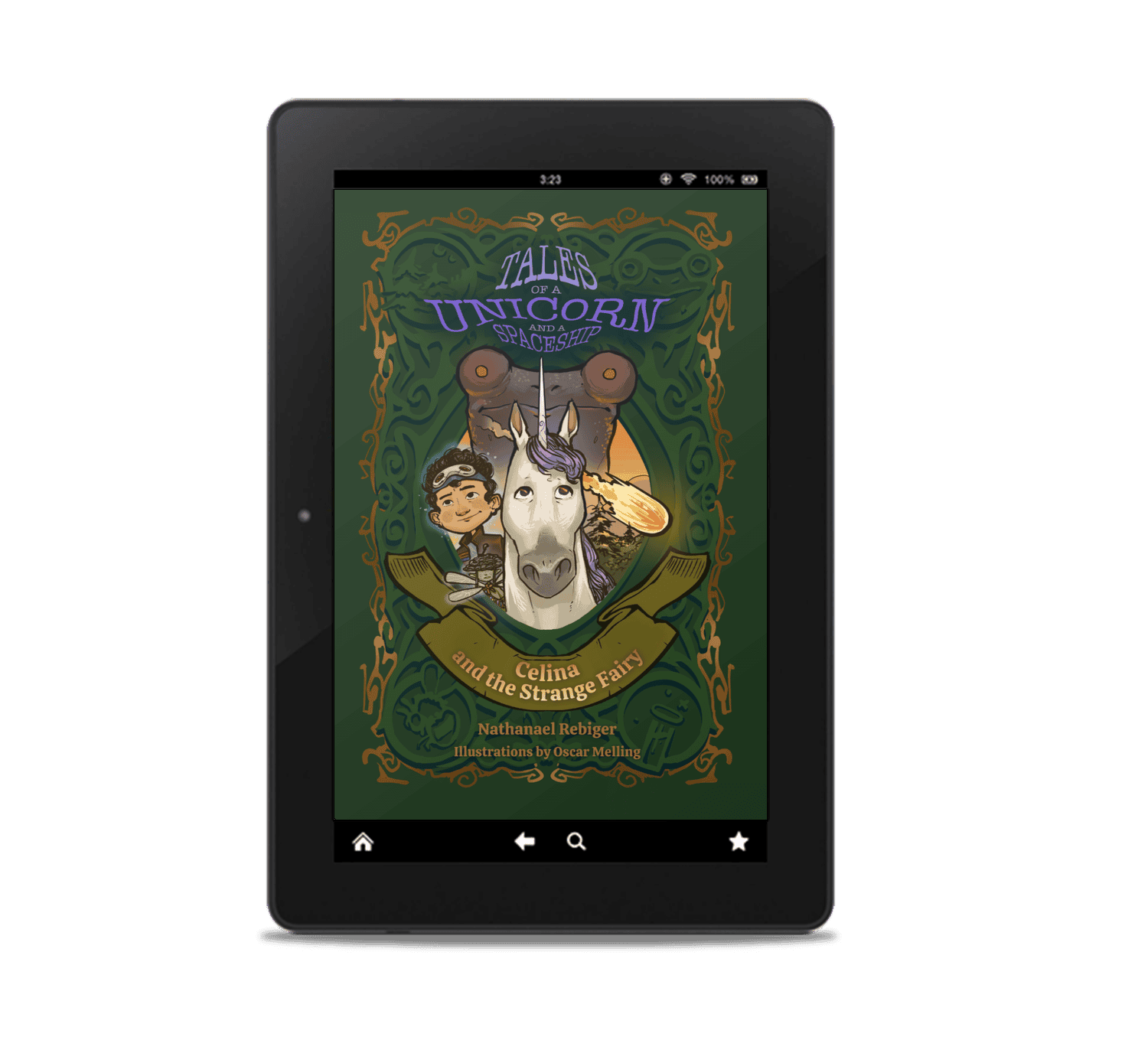
Ebook instructions for Kindle:
The ebook is in .epub format.
To add the eBook on your Kindle app on your smart phone, the following instructions should help:
- Open your order email
- Tap the download link
- Tap “Save”
- Open a browser page and go to the Send to Kindle Amazon page
- Sign into your Amazon account
- Click “Select Files from Device”
- Find the file titled “Celina and the Strange Fairy” and select your target Kindle device or app. Enable Library archiving so that you can access it on any kindle device.
- Click Send
- Open your Kindle app and sign in
- Tap Library
- Refresh your library
- Tap Filters and select Documents to see your uploaded files
- Tap the new document to load it
- You now have access to it! Next time you open your kindle app, it will automatically be there in your library with the cover displayed
Reviews
There are no reviews yet.